Archive User Guide
Archiving a user deactivates their account and prevents them from logging in. Their history and leave records are preserved. An archived user can be restored to active status at any time.
Find the User
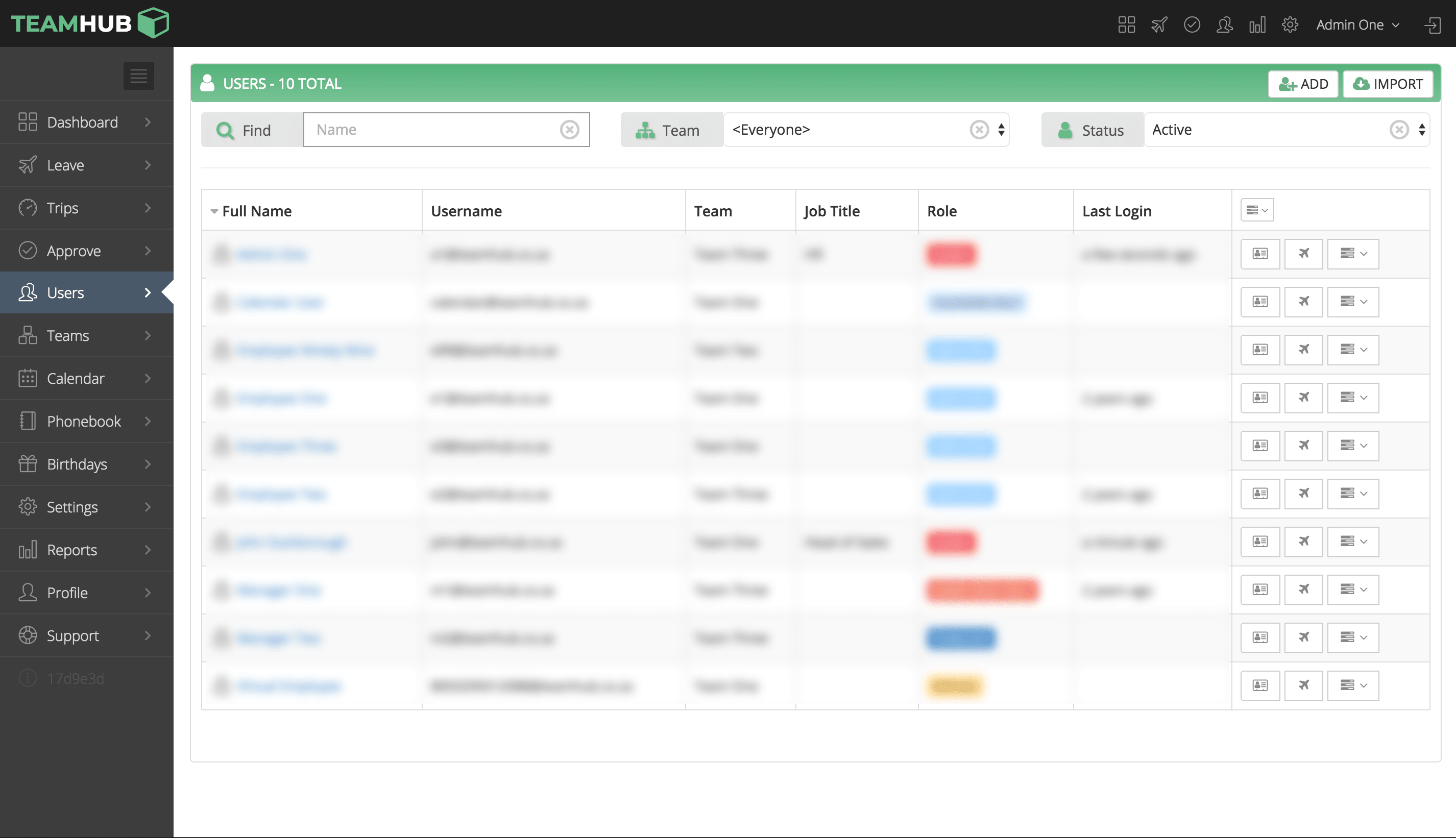
Go to the Users screen and click on the user you want to archive.
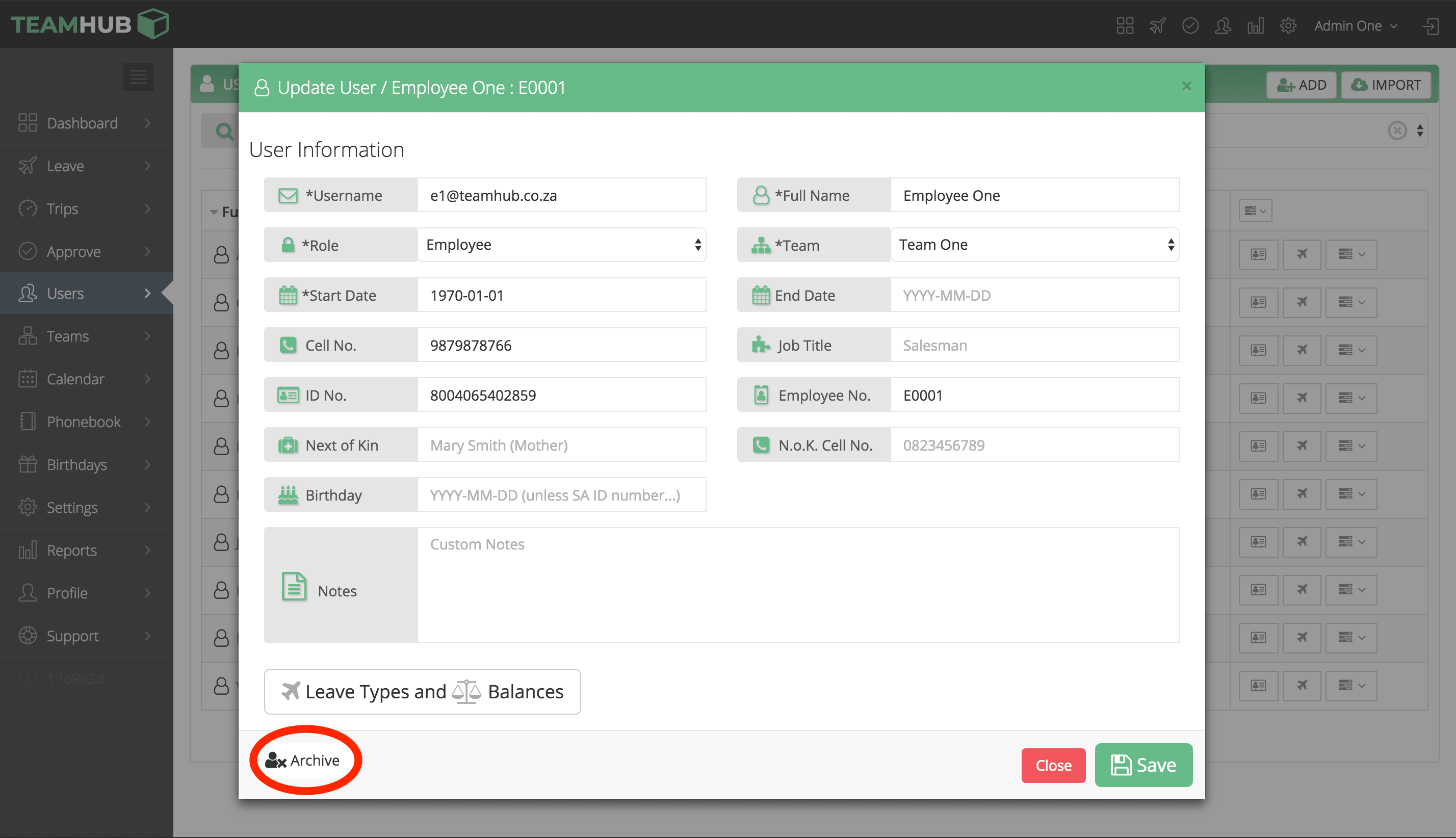
Archive
Click the Archive button in the user’s profile. Confirm the action when prompted.
To restore an archived user, locate them using the archived users filter on the Users screen and click Unarchive.