Onboarding User Guide
This guide covers how to add a new employee to TeamHub.
Add User
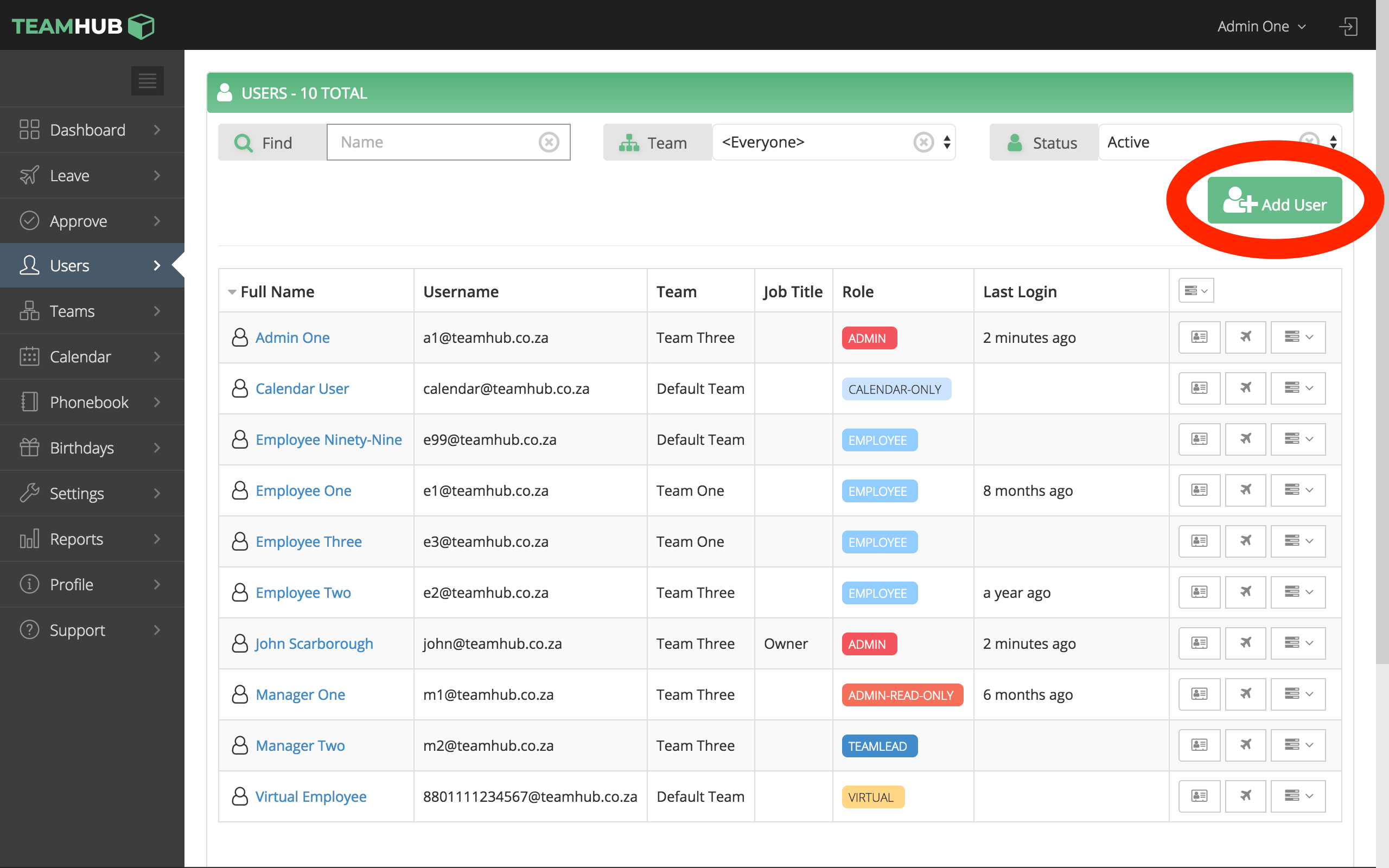
From the Users screen, click the Add User button.
User Details
Complete the user details form. Not all fields are mandatory, but it is recommended to fill in as much as possible. The Start Date field is required for leave and benefit calculations to be correct.
Once saved, the user will receive an invitation email to set up their account.
For guidance on the individual fields, see:
